

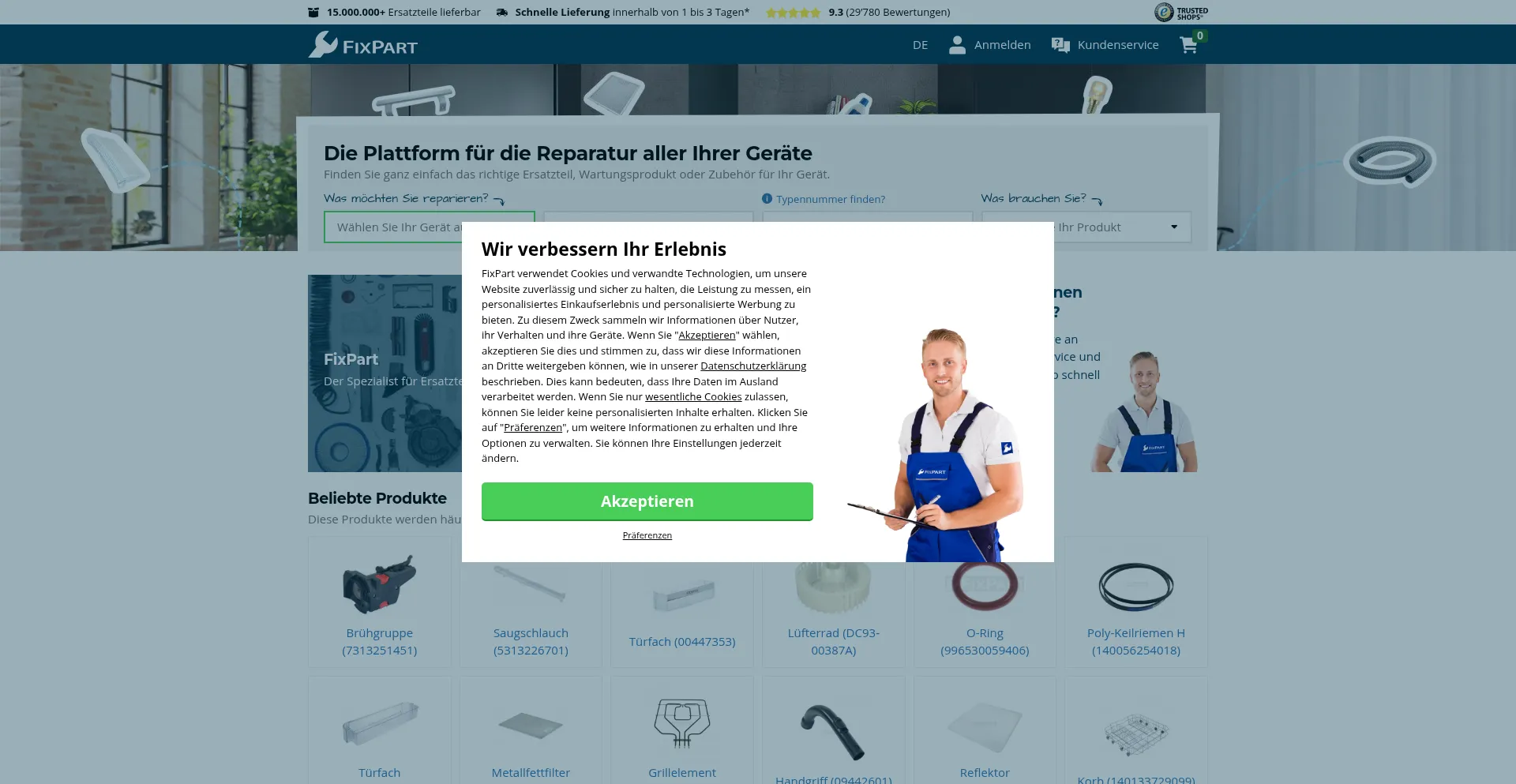
You want to order a part and then move on: fit it, test it, done. That works most often if you start with the rating plate. With the right appliance code, you immediately lock in the correct version. A lot of parts look the same in photos, but one extra letter or number in the model code can mean a different size, connector, or mounting. That’s why searching usually works better with the exact appliance code than with “it’s a Bosch washing machine” or “it looks like this one.” At Fixpart.co.uk you can search and filter more precisely with that code, so you do less guessing and get to the part that actually matches your appliance faster.
Start with the label, not what you think you have
Searching by a generic product name often brings up multiple versions that look alike. The manufacturer code is specifically meant to separate those versions, even if they look identical from the outside. The label might be small or in an awkward spot, but once you have the code, your search usually becomes shorter and clearer.
What usually works well:
- Copy the type number/model number exactly as it appears on the label (including hyphens, spaces, and extra letters).
- If there’s also a product code or service code, use that too; it often lets you narrow it down to the exact version.
- You usually don’t need the serial number; it mainly matters if a parts list explicitly asks for it.
A code that feels long and “overly precise” is often the right one. It gets you to the correct variant faster and reduces the chance you order something that *almost* fits.
Where you’ll usually find the rating plate
You often only spot the rating plate once a door is open or a drawer is pulled out. Sometimes it’s on the back. If the print is hard to read, shine a small light across it at an angle; embossed text and light wear often become more visible that way.
“Compatible” sounds simple, but this is where it often goes wrong
In a photo, something can look “identical,” while the difference is in the details: a different plug, slightly different mounting points, or a small difference in thickness or length. If you go by the picture alone, “almost the same” is easy to order.
So don’t just look at how it appears—focus on what determines whether you can actually fit the part: the connection, the mounting, and any versions/revisions. A good product page helps by showing those features clearly. And if you search via the appliance code, you usually stay within the correct version automatically. That cuts down on lookalikes and makes your choice a lot more certain.
First understand what’s broken, then click “order”
One symptom can have multiple causes. “It won’t drain” could be the pump, but it could also be something simple like a blockage, a kinked hose, or a plug connection that isn’t seated properly.
So do a quick, practical check first. See whether cleaning, unblocking, or reconnecting changes anything. If the behavior changes, that’s a strong sign the issue isn’t necessarily the part itself. If everything stays exactly the same, then a part is the more likely answer. And then searching by appliance code helps you get to the right version quickly, without having to go with your gut.
When you’re better off choosing an alternative
Repairing is often fine, but sometimes another route is simply easier. This is especially true if a lot of disassembly is needed (panels that bind, clips that are stiff to release) or if you’re dealing with electrical or heat-related parts, like heating elements, thermostats, or wiring. It’s much smoother if you can estimate in advance what you’ll need to remove and where the part sits, so you don’t get stuck halfway through.
In practice, searching by exact appliance codes remains the most reliable way to go from “looks like it” to “actually fits.” Combine that with a quick comparison to your old part (connection and mounting), and you reduce the chance of a mismatch even further. If you can’t find the label or you’re unsure about the cause, dig up that code first, do the quick check, and only then place the order.